DDS Demo Lab
Here are some other things you may find useful in your daily development routine, but they are not specifically related to DDS, such as browser extensions or snippets.
Tools, etc
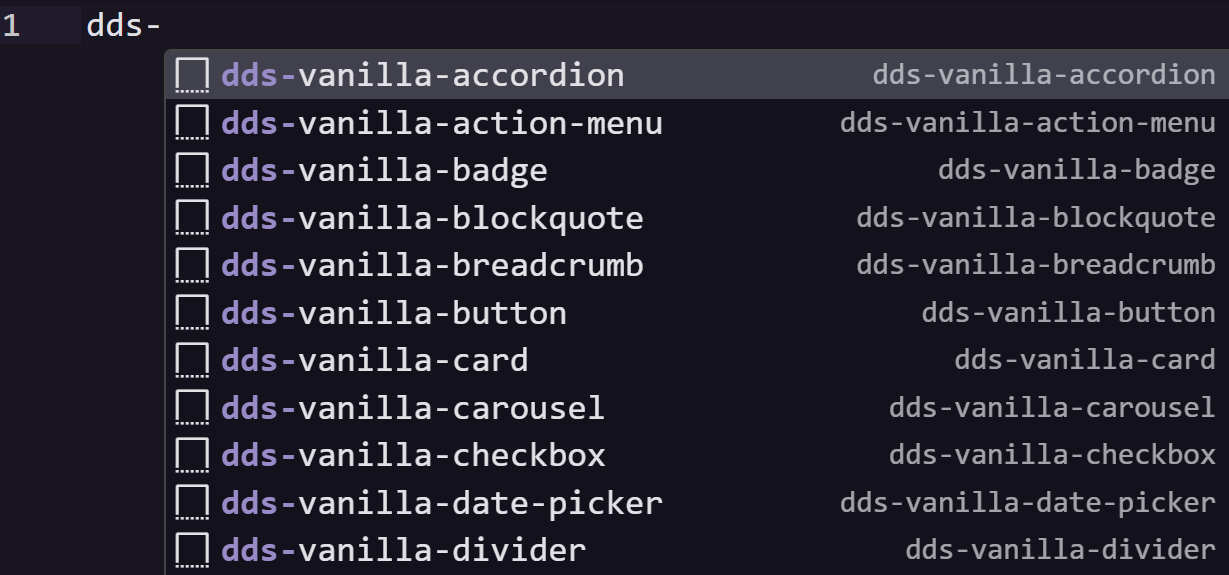
DDS plugin for Visual Studio Code
The DDS team held a hackathon in 2023 and the winner of the hackathon was a functioning VSC extension that added DDS intellisense to the GUI! It was improved in the following months and released!
DDS Website Templates
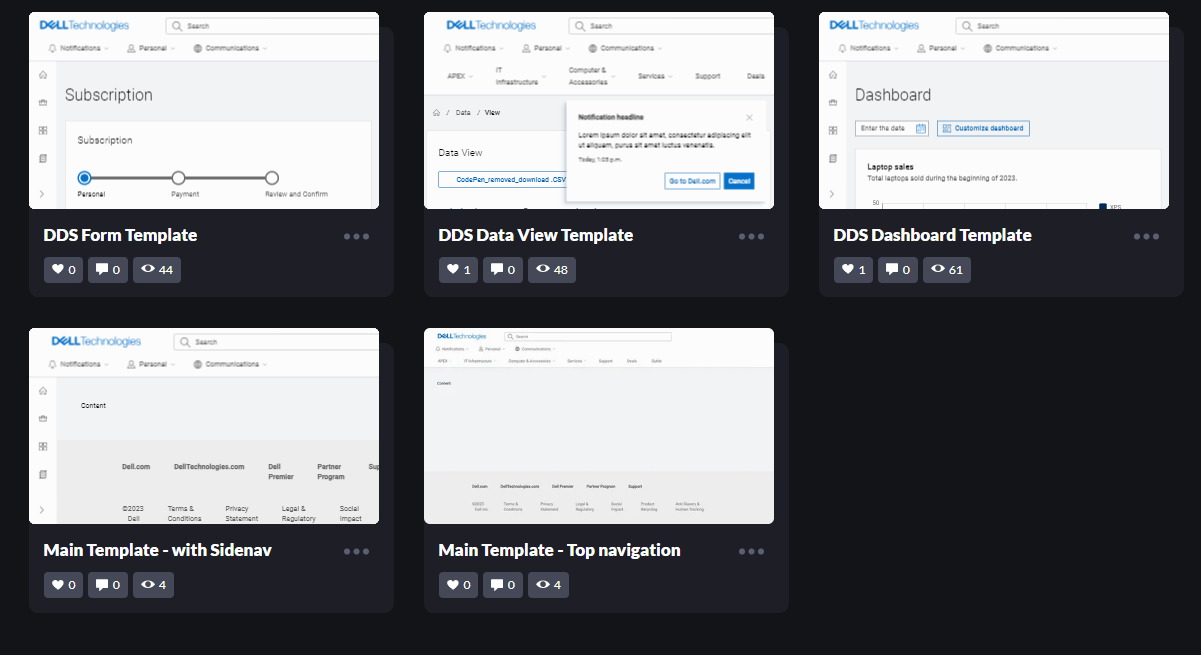
The DDS team held a hackathon in 2023 and one of the team's entries was that of "complete website templates"; templates already laid out for you in a suggested pattern for such things as holding a form with an FAQ panel, a data visualization dashboard, or various navigation configurations.
Useful web apps
The DDS2 Icon Bible
This "Icon Bible" was an app made to test out the rapid protyping tools (doCreate) by making a useful icon searching tool for the DDS library. It searches for icons by name or tag and allows clicking on the found icon or its list of tags to further refine and explore your search. The searching-by-tag functionality was implemented at the same time by the official DDS website, but uses different tags. The tags used here have since been submitted to be incorporated there. Hopefully the contextual clicking will make its way to the official site as well. Once you've found an icon, click Fetch Definition to get a plethora of installation and usage details.

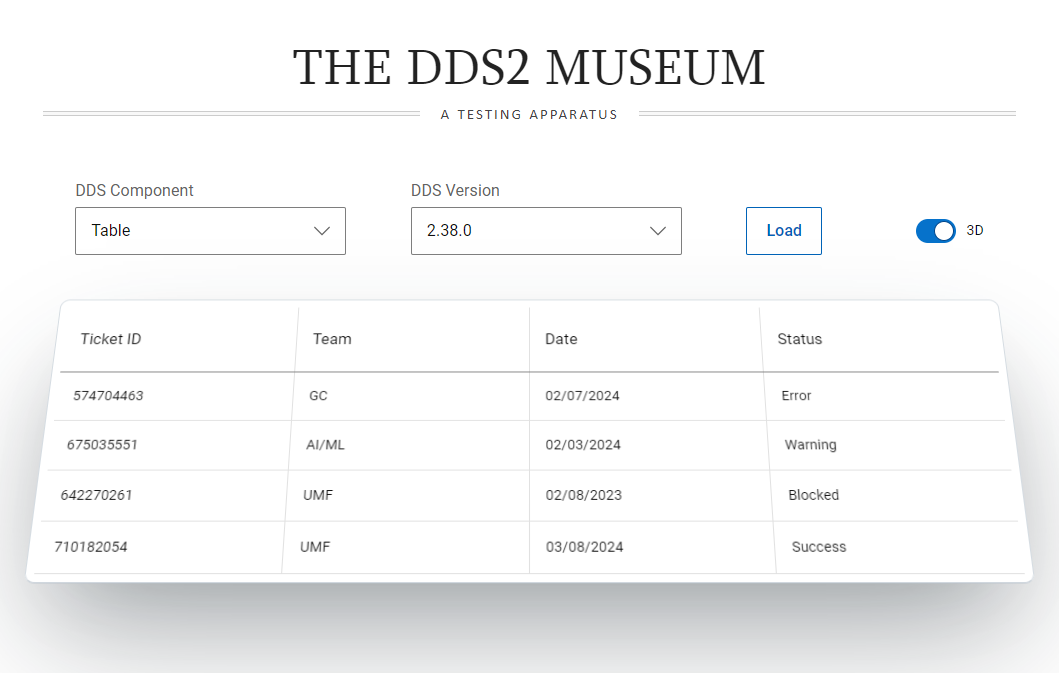
The DDS2 Component Museum
This tool allows you to browse all the components and load them up quickly in any version of your choice. It has release notes for certain components, when there were known bugs with workarounds, and so on. You can verify that a component did or did not work in any version you select.
Experiments and miscellaneous
The "doLibs" development tools
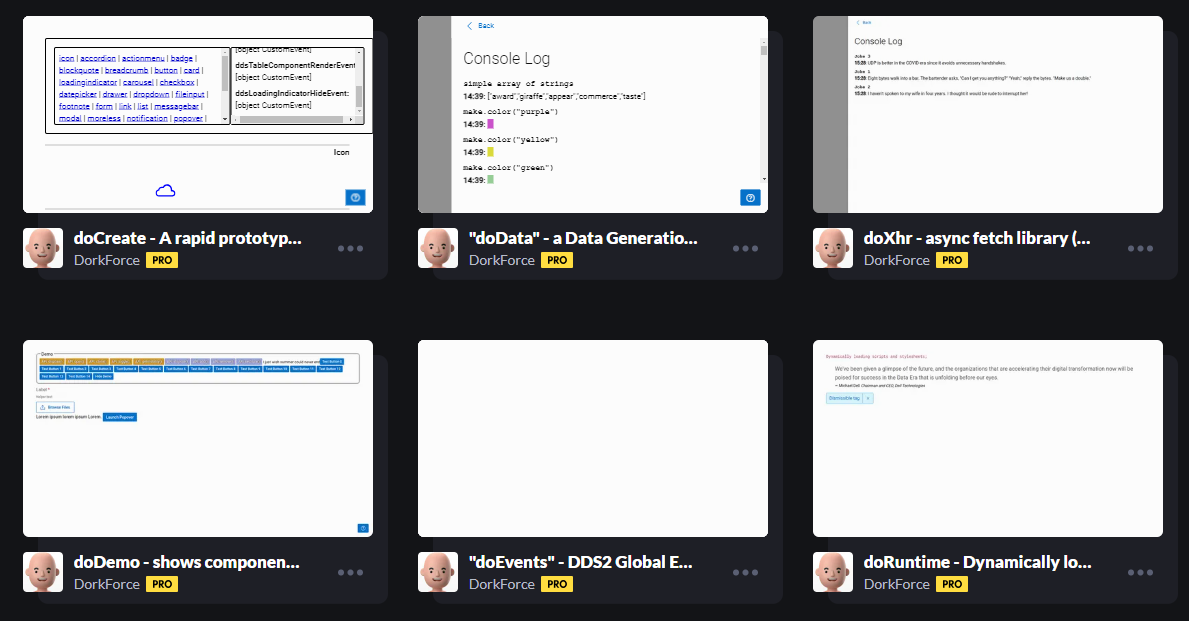
These development tools are primarily used to create a lot of the examples you see in the lists available here. They provide a range of features that aid in extremely rapid prototyping, but the same methods could also be used in a production environment. Note that these do not come with unit- or functional- tests.
- doCreate: The "flagship" tool, it generates any DDS component by javascript without messing around copying and pasting HTML.
- "doData": Not actually labeled as such, this contains a few exported methods for generating sample data of almost any type, on the fly.
- doXhr: For sending and receiving xhr requests
- doDemo: A framework for documenting code examples
- doEvents: The DDS2 Event Viewer bookmarklet uses this code
- doRuntime: Loads CSS or JS tags and then responds with a callback
- doMsg: Wraps the DDS Notification component into a growl-like messaging system, along with a Drawer full of message logs
- doObserve: an observer tool for streamlining javascript observer patterns
The DDSC Library
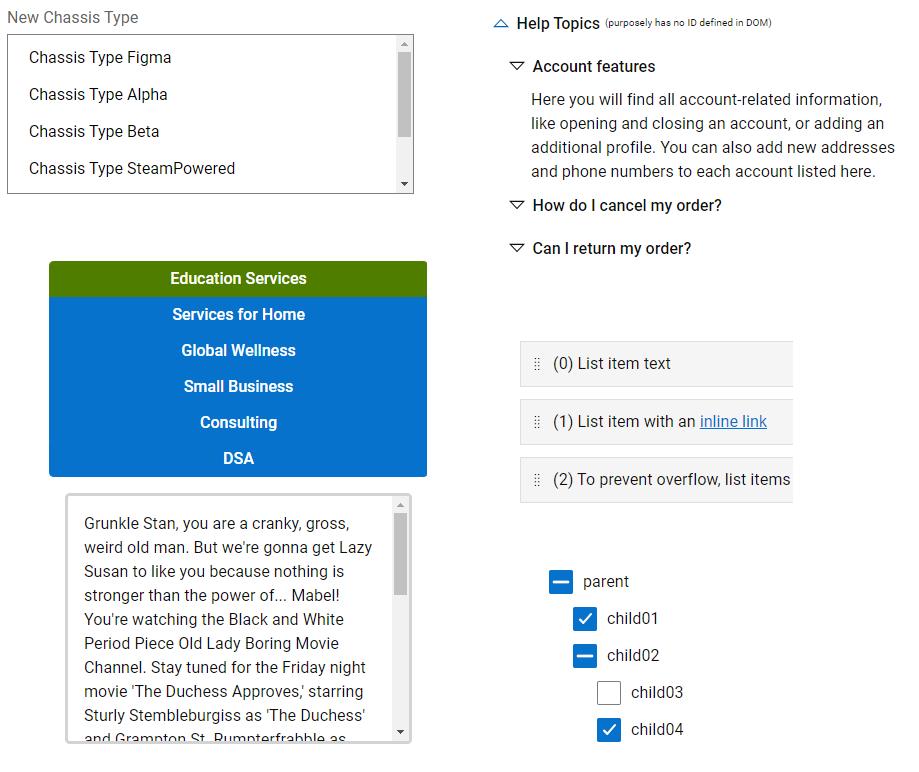
A collection of fairly polished examples possibly worthy of component contribution to the DDS Library. Includes such things as:
- Relational input fields
- Sortable list
- Expanded "Select" component
- Heirarchical Tree display
- Tabs with highly flexible design options
The DDS2 Global Event Listener (GEL)
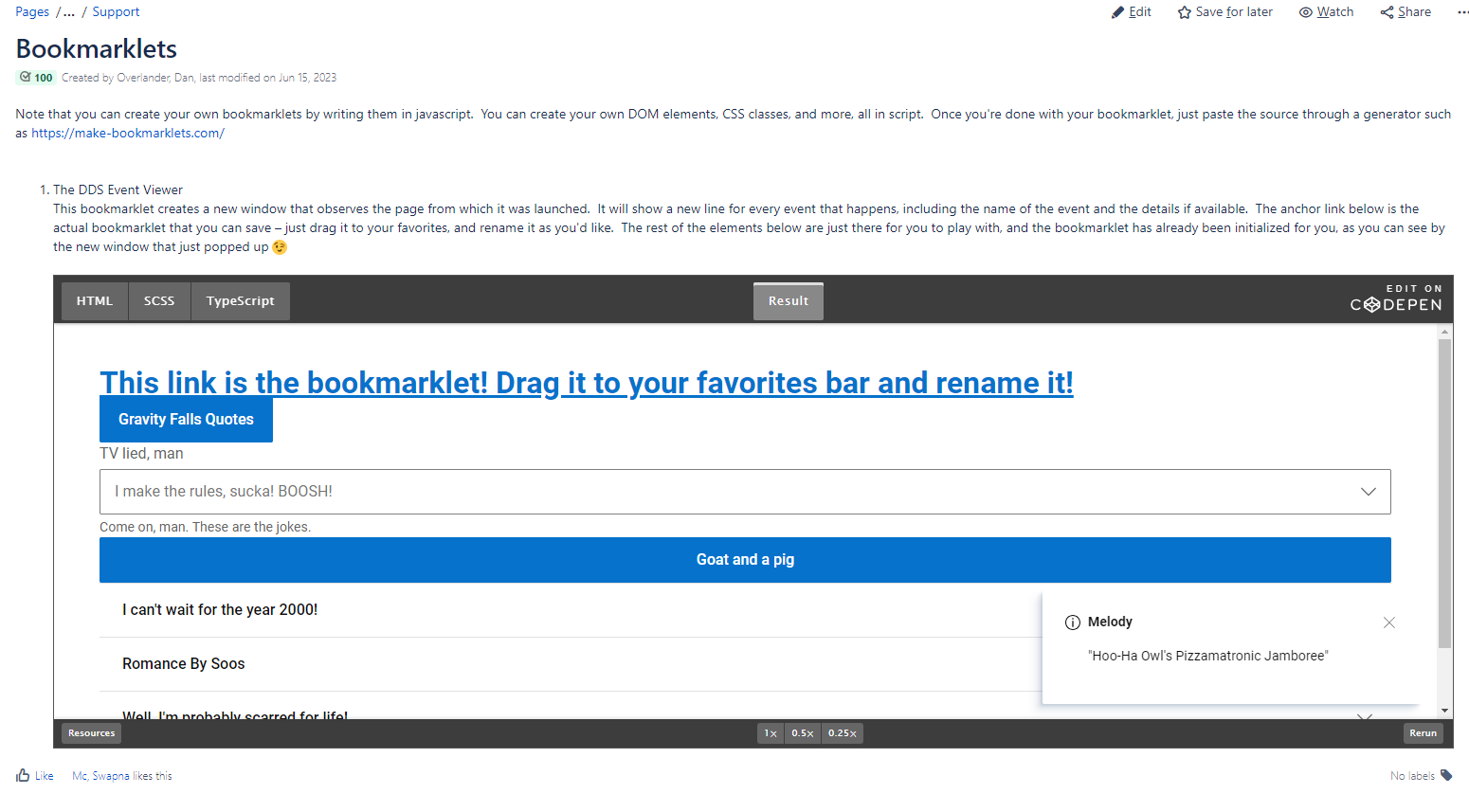
This is a bookmarklet that, when clicked, creates a new window that observes the page from which it was launched. It will show a new line for every event that happens, including the name of the event and the details if available. It will show the event name and any available details.
The DDS2 Highlighter
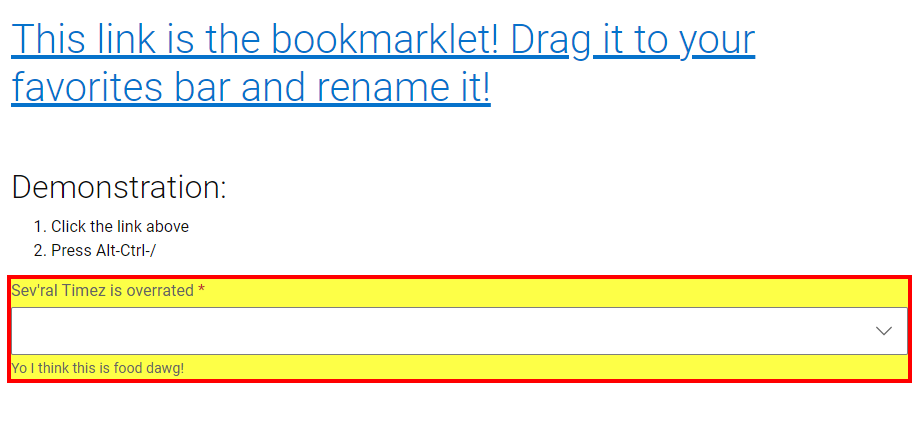
This is a bookmarklet that, when clicked, adds the keyboard shortcut Control+Alt+/. When this shortcut is pressed, it will then highlight all DDS elements in the page, temporarily
JiraDork browser extension
GitlabDork browser extension
This is another uncompiled-but-installable browser extension that customizes how your Gitlab interface is displayed. It includes features such as:
- Interface color adjustment
- Draft-state highlight for merge requests
- Shortcut to see the list of comments on a merge request
- Highlight links to Jira (when pasted in the Gitlab-Jira format `JIRA#DDSTM-12345;`)
- Shrink images into a lightbox on merge request pages
- Color-code your own merge requests in the list
- Highlight your own phrases in the pipeline logs
- Add quick copy links to titles of merge requests
- Add personal notes to each merge request in the list
- Create top-level favorites in the global menu
- Add shortcuts to chat with users in Teams
- ...and more